Resize your digital signature to 10KB, 15KB, or 20KB and adjust its dimensions in pixels (px) or centimeters (cm) for online applications while maintaining clear signature quality.
Compressed Images
Nowadays, many online forms and applications require a digital signature image between 10KB and 20KB. They often reject signature images that exceed the allowed file size. Using a reliable Signature Resizer helps you meet these requirements without losing clarity. It can compress your signature to exactly 10KB or 20KB while allowing you to resize it to specific dimensions in pixels (px) or centimeters (cm).
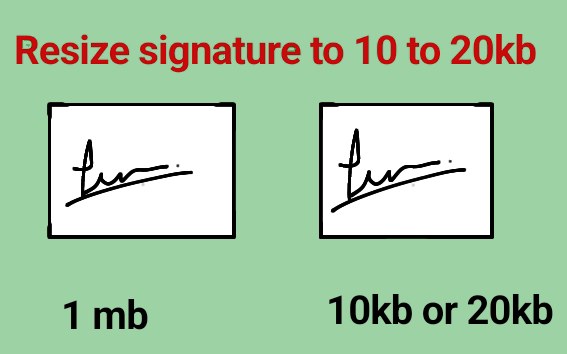
How to Resize a Signature to 10KB or 20KB
- Upload Your Signature: Tap Choose Image and select your digital signature file.
- Select the Target Size: Choose 10KB, 15KB, or 20KB from the size options.
- Resize if Required: Enter the desired width and height in pixels (px) or centimeters (cm).
- Click Compress: Click the Compress & Download button. The tool automatically optimizes your signature.
- Download: Save the compressed signature image to your device.
Why Compress a Digital Signature?
Many government portals, banking websites, examination forms, and job application portals have strict signature file-size limits. Compressing your signature helps prevent upload errors while ensuring that the signature remains clear and readable.
- Government application forms
- Online examination registrations
- Bank KYC verification
- Job application portals
- PDF document submissions
About the Signature Compressor
This online Signature Compressor helps you resize and compress digital signature images to 10KB, 15KB, or 20KB in just a few seconds. It supports JPG, JPEG, PNG, WEBP, and HEIC image formats and works directly in your browser without requiring any software installation. You can also resize your signature in pixels (px) or centimeters (cm) before downloading.
Benefits of Using This Tool
- Compress signatures to 10KB, 15KB, or 20KB
- Resize in pixels (px) or centimeters (cm)
- Maintains signature clarity
- Fast processing in seconds
- Free to use
- Works on mobile, tablet, and desktop devices
- No registration or installation required
Whether you need a signature for government forms, banking documents, online examinations, or job applications, this Signature Resizer helps you compress and resize your signature quickly while maintaining good quality and meeting file-size requirements.